Full Stack Development · Product Design
Swiped: Meal Swaps Made Easy
A full-stack Next.js app that lets classmates buy and sell UNC dining swipes with live chat, NutriAI assistance, and a dashboard for listings and history—built for COMP 426.
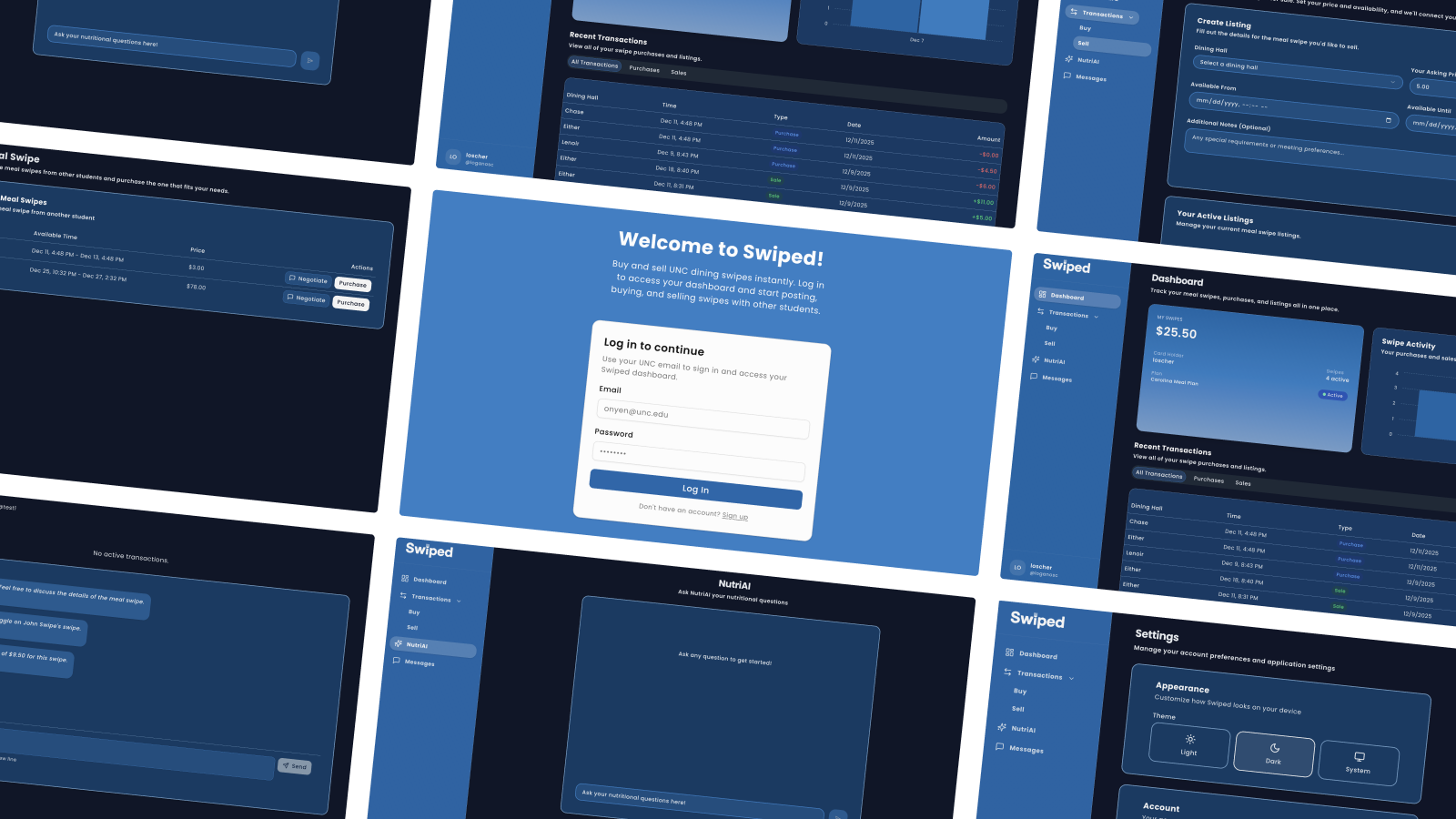
App Snapshot
Problem
Students with dining plans ended every week with unused swipes while classmates without plans struggled to afford campus meals.
Goal
Make exchanging swipes feel safe, fast, and fair with authenticated accounts, clear listings, and live chat.
Outcome
Full-stack web app with Supabase-authenticated accounts, live marketplace to sell/buy swipes, real-time chat per listing, and an AI nutrition planner backed by Supabase Realtime.
Why we built it
Opportunity
Existing “group chat trading” was messy and slow. We saw a chance to replace ad-hoc posts with a structured marketplace where listings, pricing, and chat stay in one place.
Approach
Full-stack sprint: Next.js + TypeScript with Tailwind/shadcn UI, Supabase for auth/DB/Realtime, Drizzle + tRPC for type-safe data, and a scraper-fed OpenAI nutrition assistant.
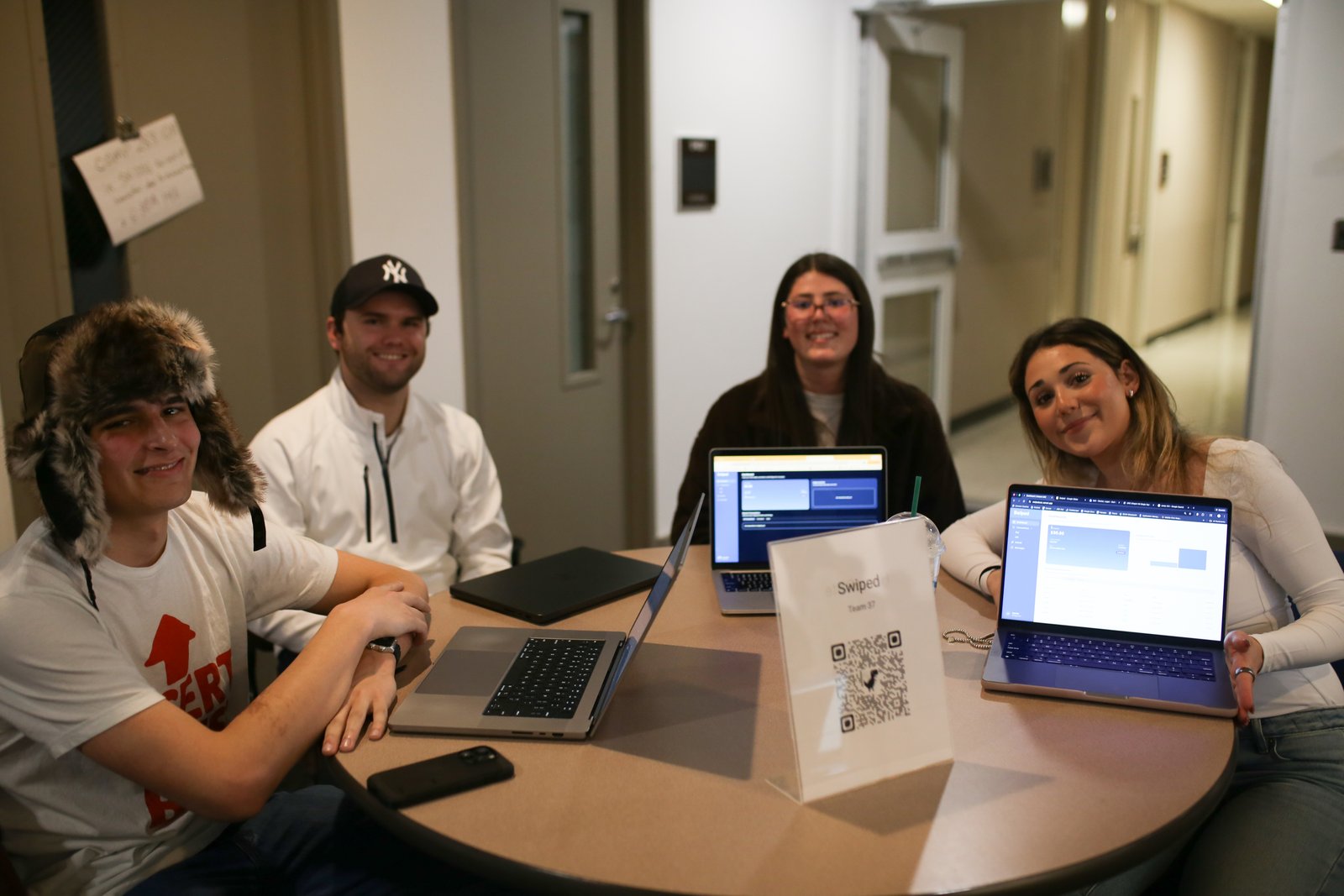
Project Team
Collaboration
We split design, front-end, and backend tasks across weekly sprints, pairing on tricky flows like chat, listings, and the NutriAI assistant.
What we built
Account Management
Supabase Auth sign-up/login, profiles with display name, username, avatar, theme preference, and logout from Settings.
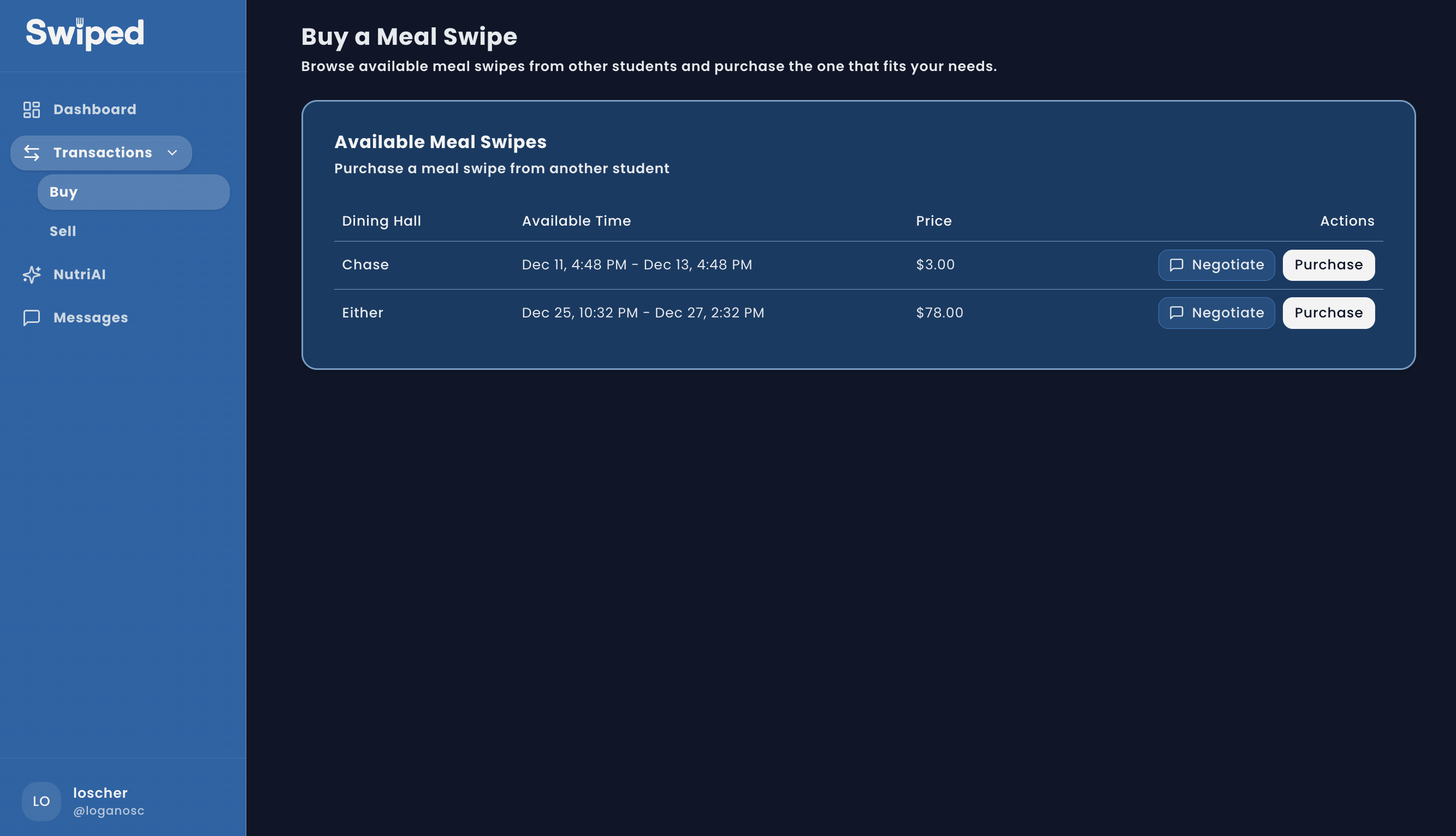
Marketplace & Chat
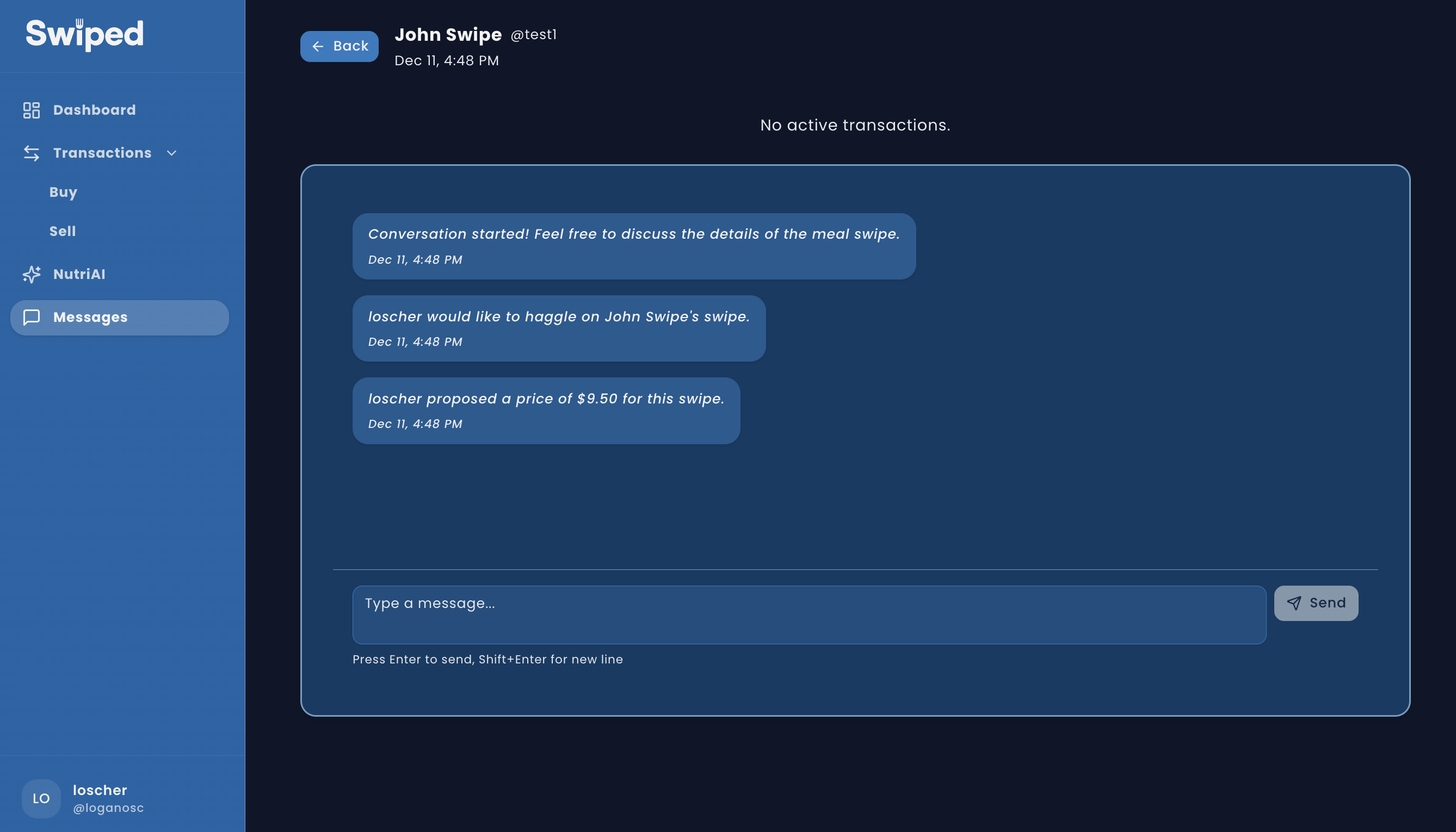
Create and manage sell listings; buyers can purchase at asking price or negotiate via one-to-one chat powered by Supabase Realtime with unread counts.
NutriAI Assistant
OpenAI-backed chat answers nutrition questions about UNC dining halls using scraped menu data; prompt guards keep replies nutrition-only.
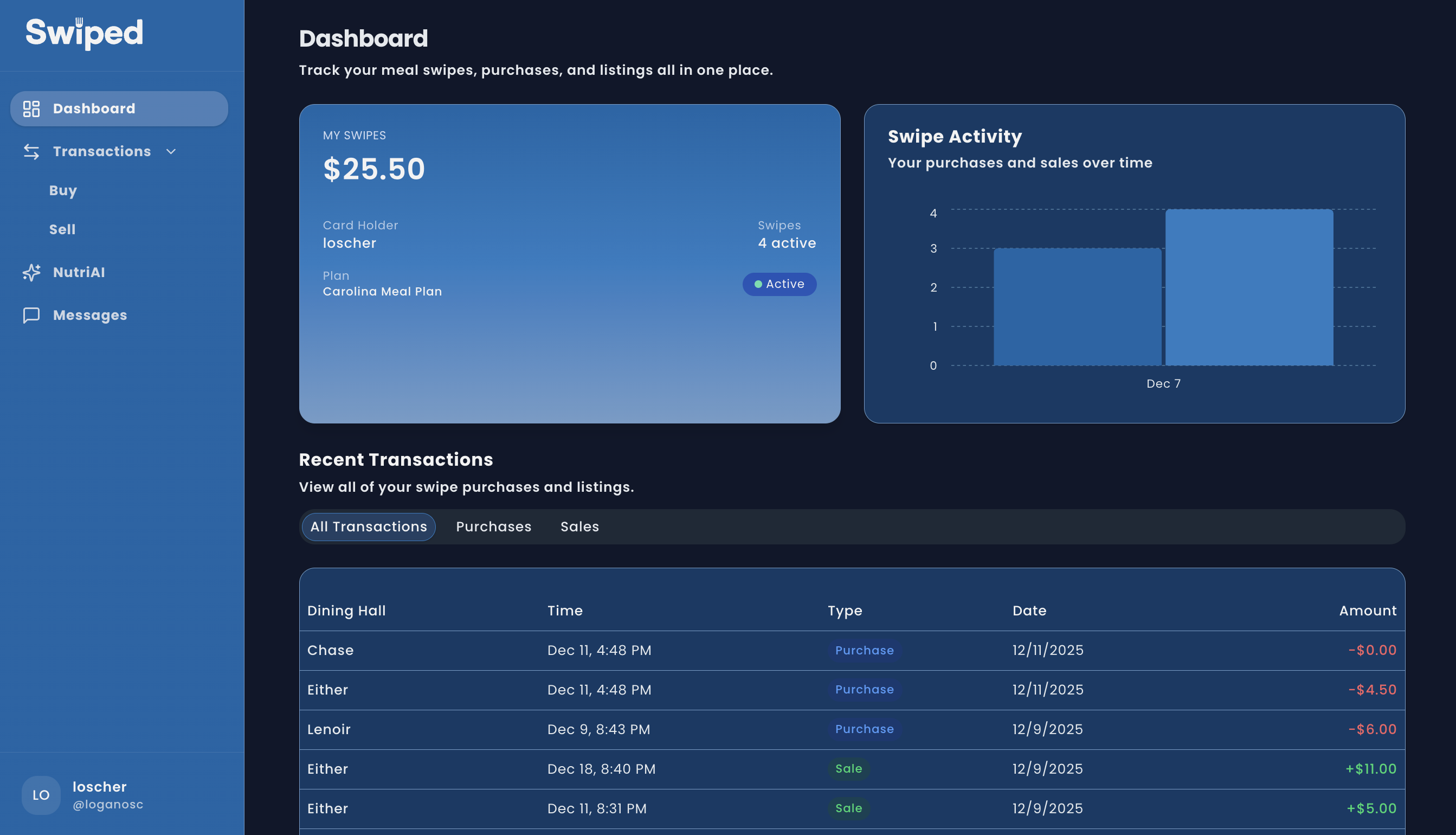
Dashboard & History
Weekly activity, balances, and transaction tables (Recharts + tables) to audit purchases and sales across the semester.
Key Flows
Core flows: create a sell listing, browse/buy or negotiate, and keep the deal in-sync with live chat.
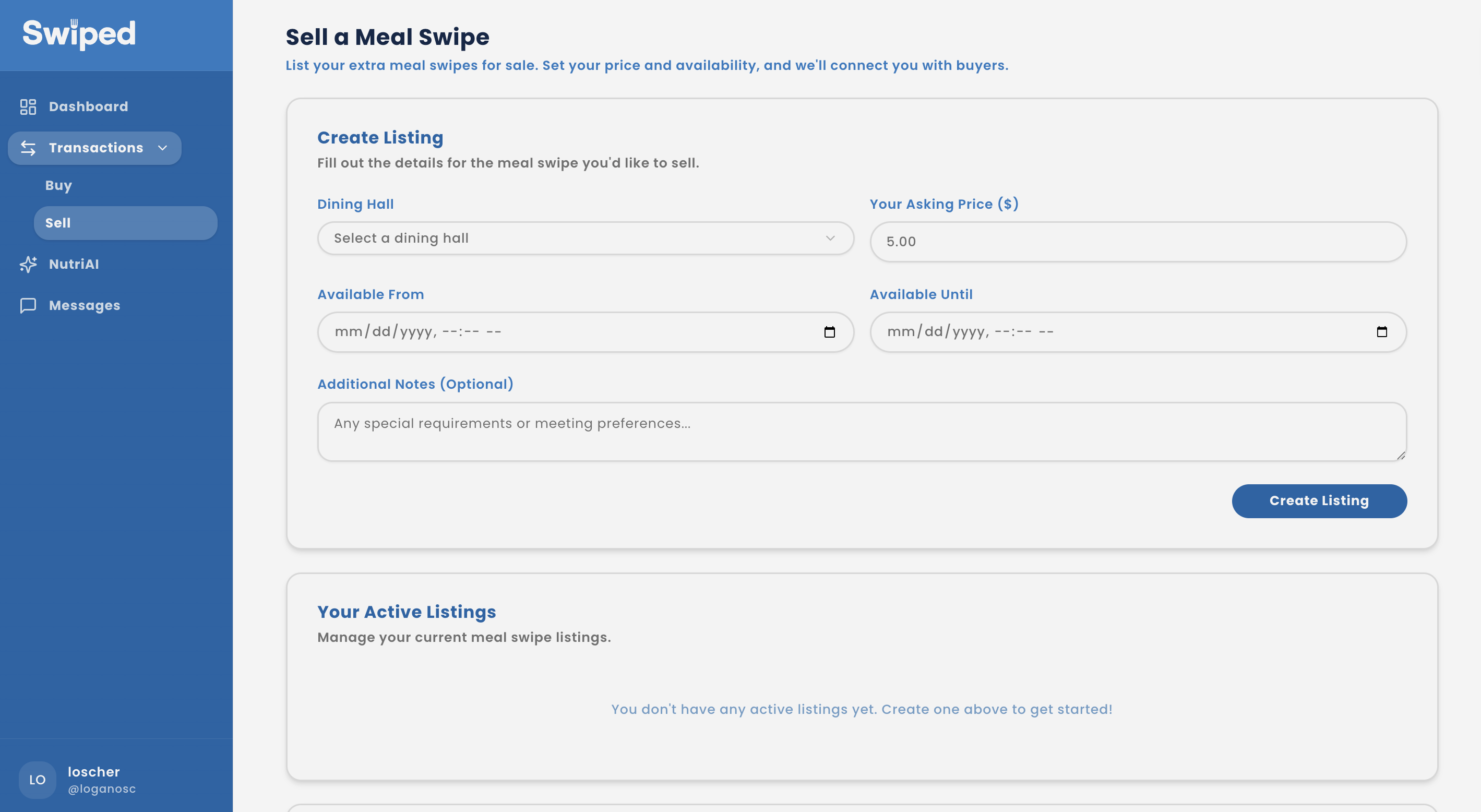
Flow details
- Sellers set hall, window, price, and notes; listings can be edited or cancelled anytime.
- Buyers can purchase at ask or start a negotiation inside the per-listing chat.
- Supabase Realtime updates listing status and chat instantly without refreshes.
AI Nutrition Planner
What it does
Students ask about dining hall foods, nutrition details, or meal ideas; responses come back instantly in-app and update in the chat thread.
How it works
OpenAI API generates answers scoped to scraped menu data; Supabase Realtime inserts broadcast new chat messages so the answer appears instantly for the asker.
Guardrails
Prompt engineering forces nutrition-only responses, blocking homework or unrelated topics to keep the tool on-mission.
Product Screens
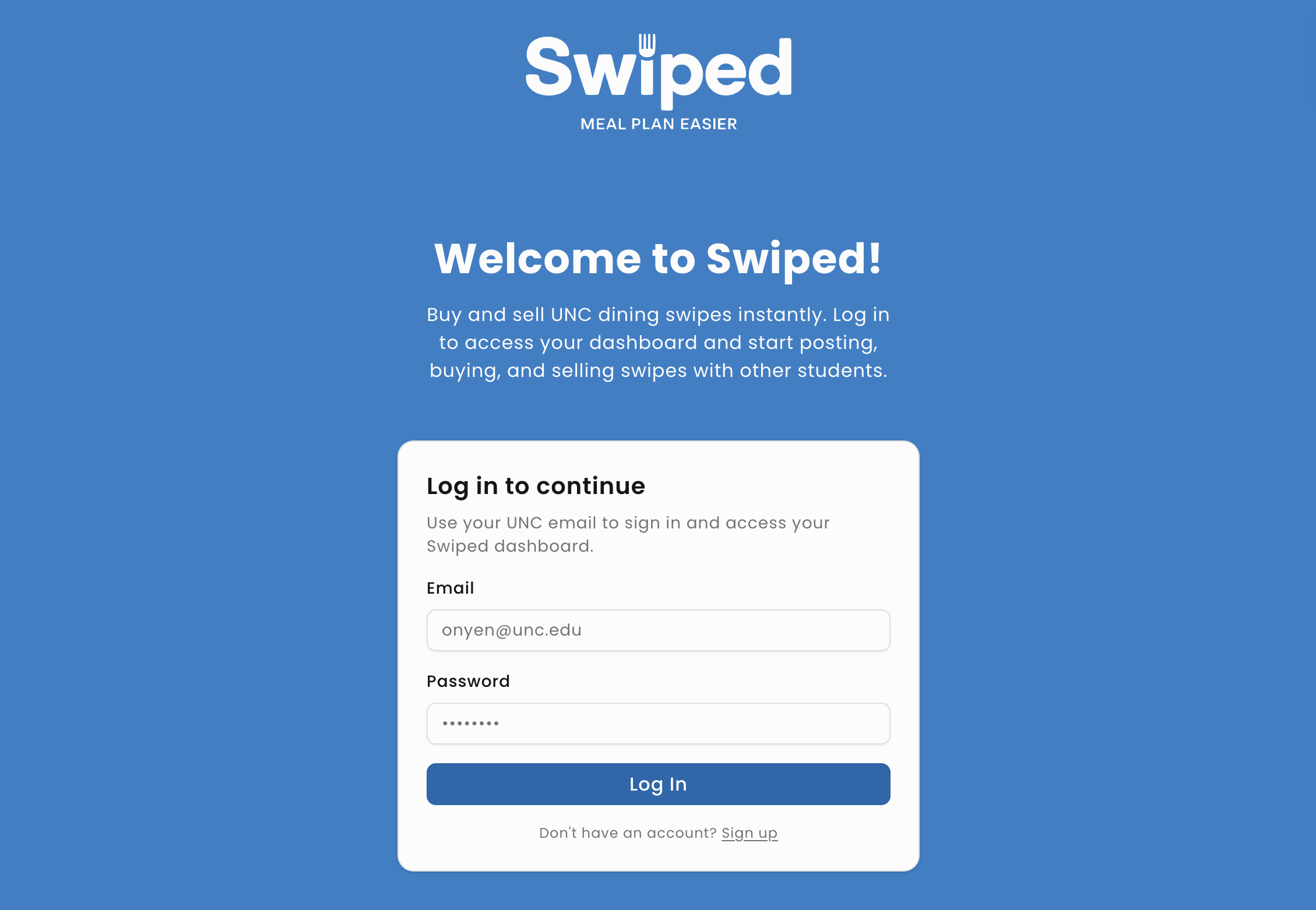
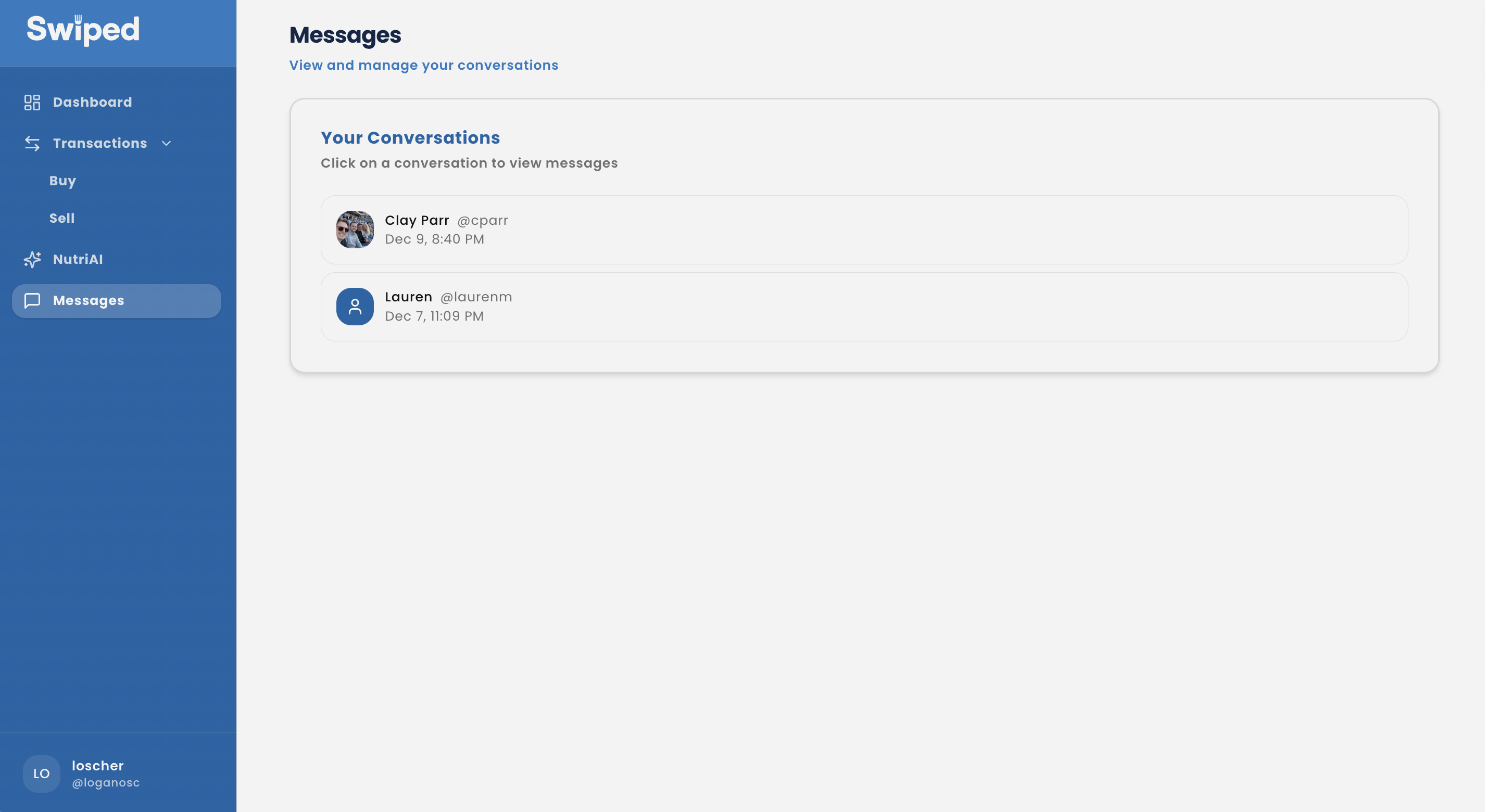
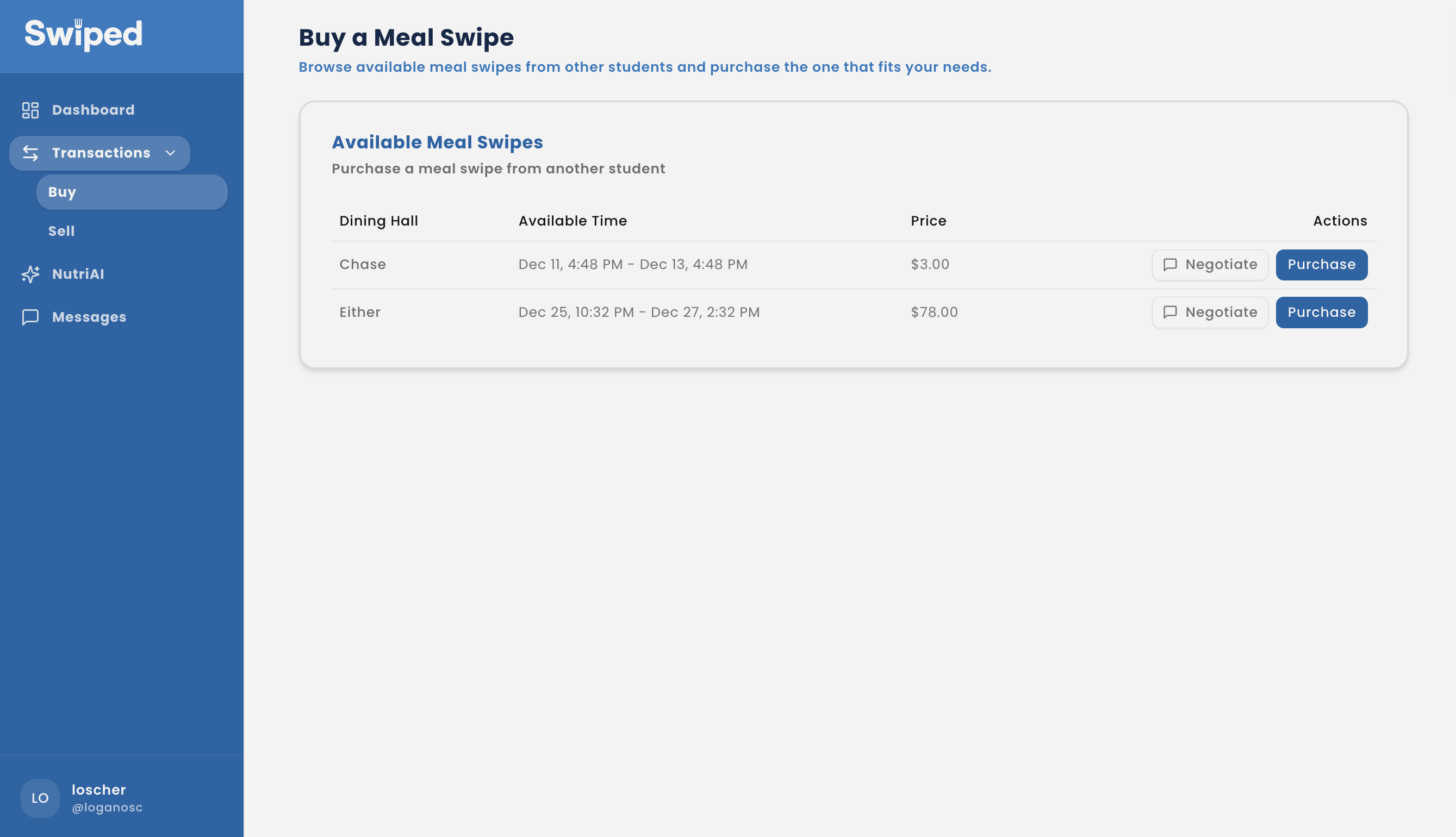
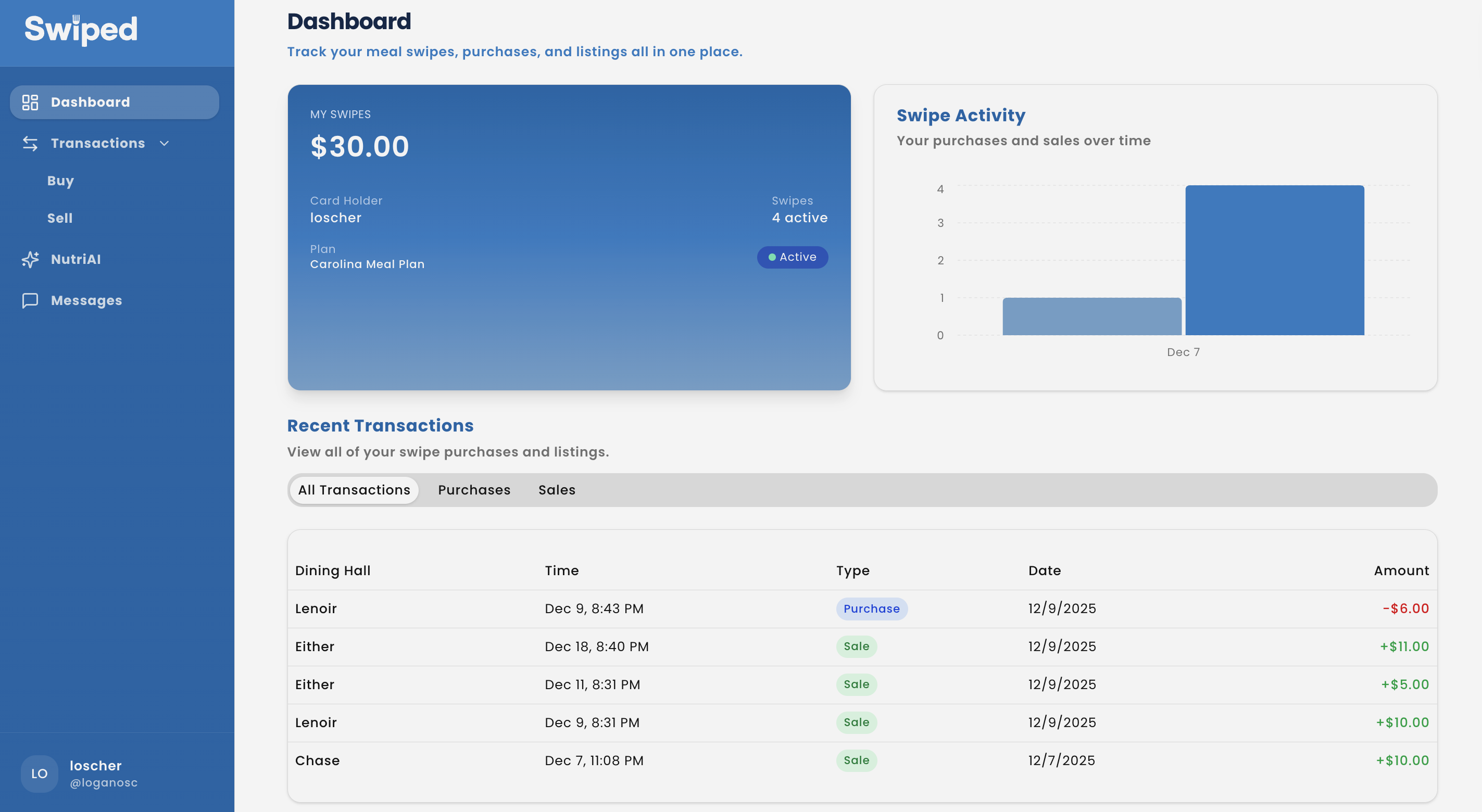
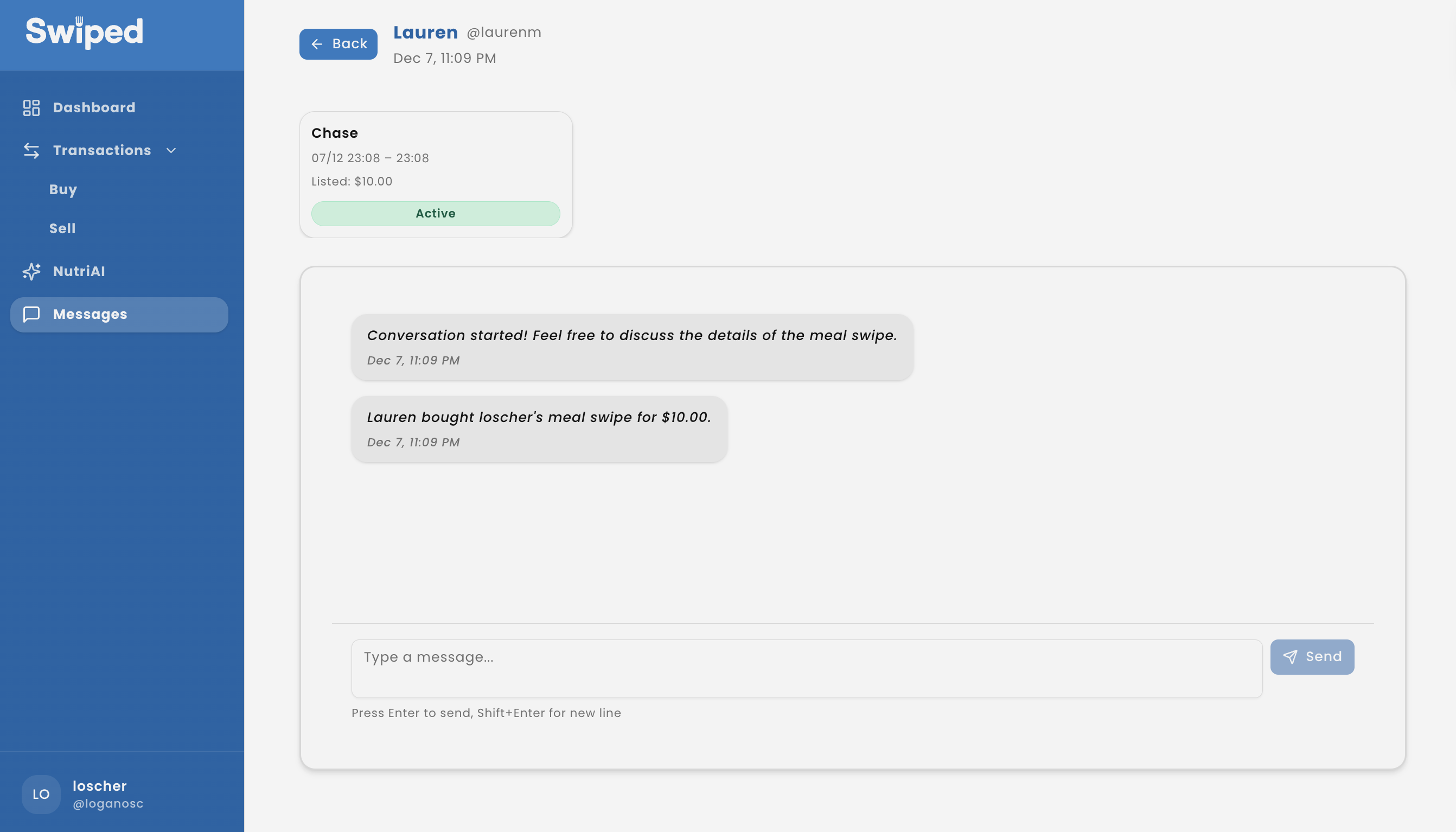
Dark Mode Snapshots
Build details
Tech stack
Next.js 15 + TypeScript with tRPC, Tailwind + shadcn/ui, Recharts; Supabase Auth/Postgres/Realtime with Drizzle ORM for schema + queries.
Data pipeline
Cheerio/TSX script scrapes the dining hall site (npm run scrape-cds-menu) to keep menus current for listings and NutriAI context.
Realtime + AI safety
Supabase Realtime channels broadcast new listings, negotiations, and AI messages instantly; OpenAI prompts are scoped to nutrition to block unrelated questions.
Env & tooling
.env.local with OPENAI_KEY, DATABASE_URL, NEXT_PUBLIC_SUPABASE_URL, NEXT_PUBLIC_SUPABASE_PUBLISHABLE_KEY; lint/build scripts keep the repo production-ready.
Nutrition guardrails
NutriAI prompt engineering keeps responses nutrition-only, using scraped menu data to avoid off-topic answers.
Traceable negotiations
One-to-one chat per listing replaces ad-hoc DMs so pricing, timing, and decisions stay in a single thread.
Live Web App
Explore the responsive web build of Swiped below or open it in a new tab.